How to Edit a Organizational Hierarchies
- On the dashboard > open the side drawer > Click on User and select Manage User Group.
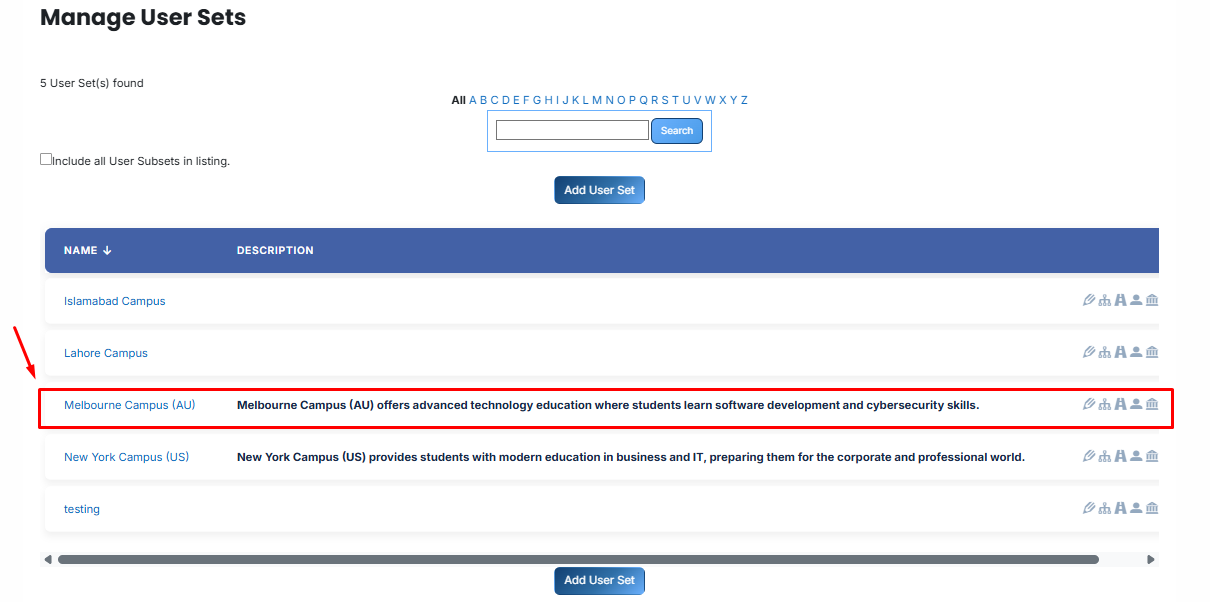
- Then, click on the User Group name you want to edit
-
Open the selected User Group and click on the Edit button.
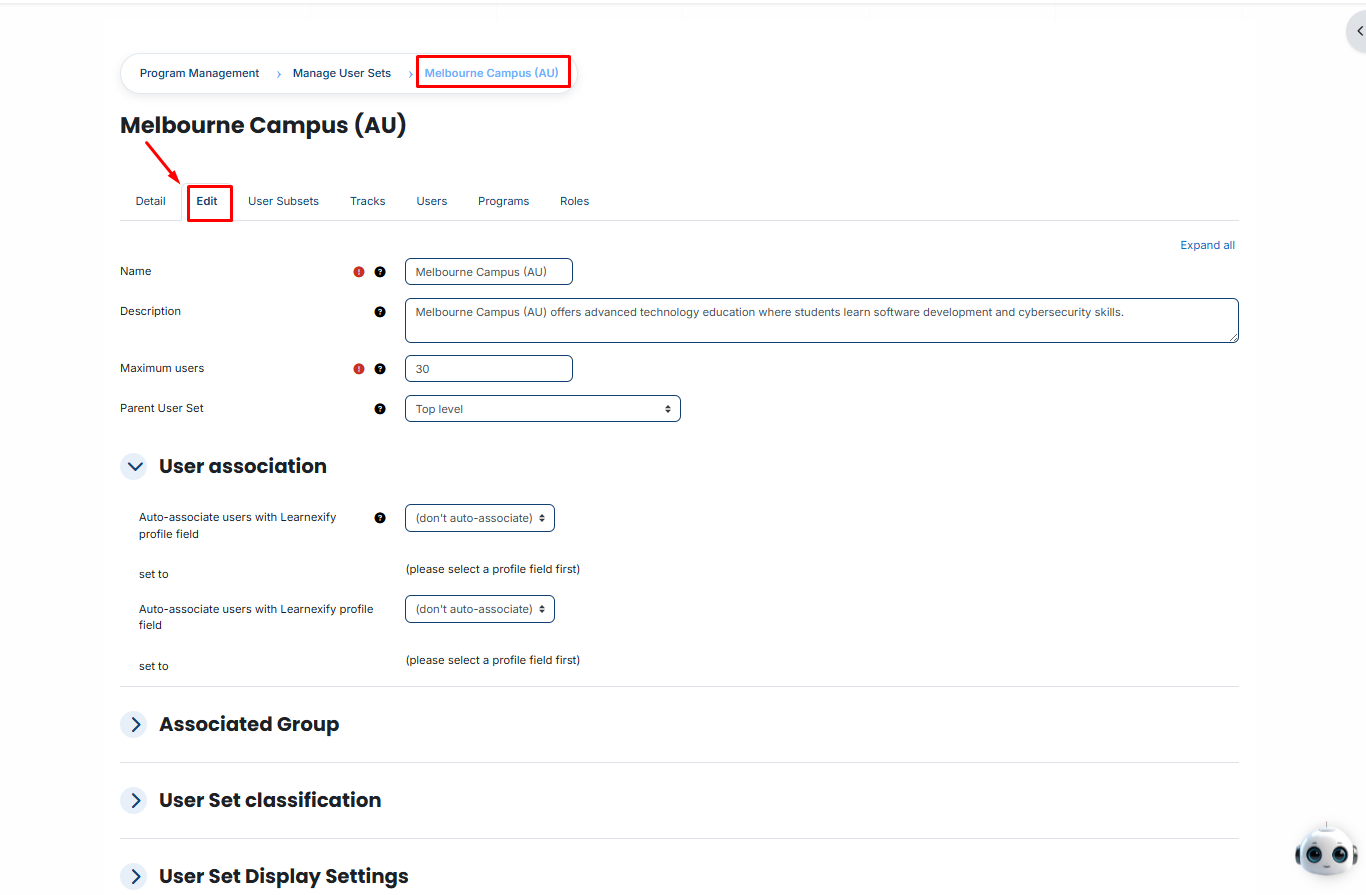
- The User Group details page will open in editable mode
- Update the required User Group details
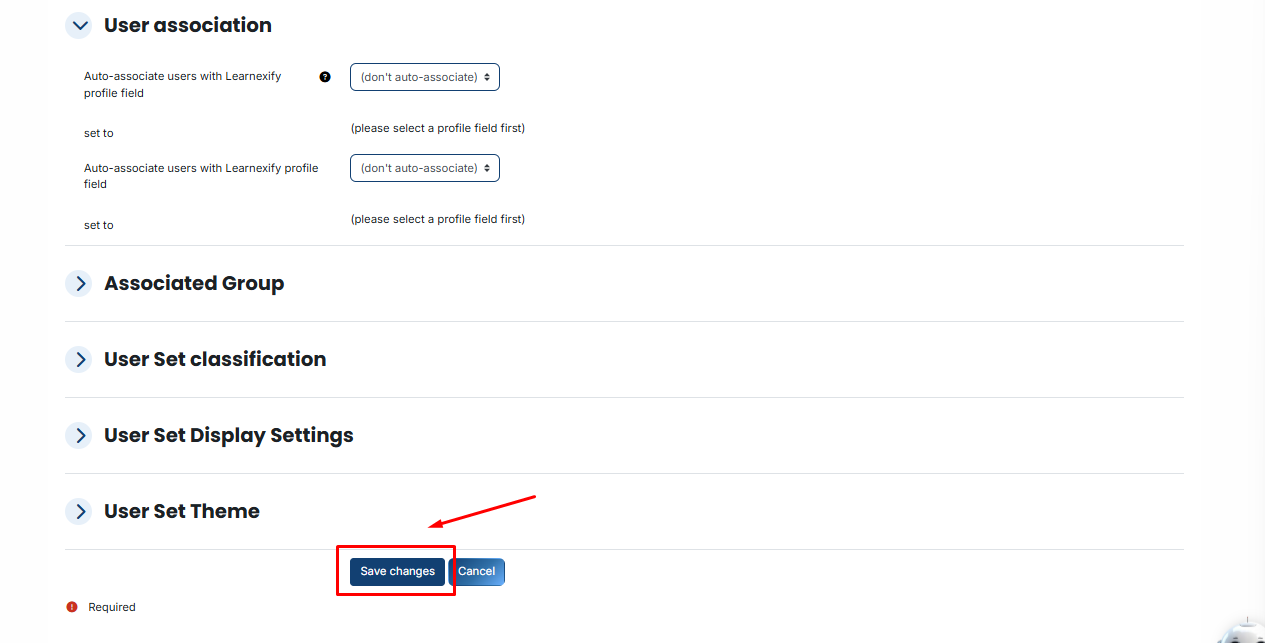
- Scroll down and click on the Save Changes button to apply updates