How to Edit a Organizational Hierarchies
Accessing the Report:
- On the
dashboard >Dashboard, open the side drawer, > Clickclick on User, and select Manage UserOrganizational Group.Hierarchy.
Edit the Organizational Hierarchy:
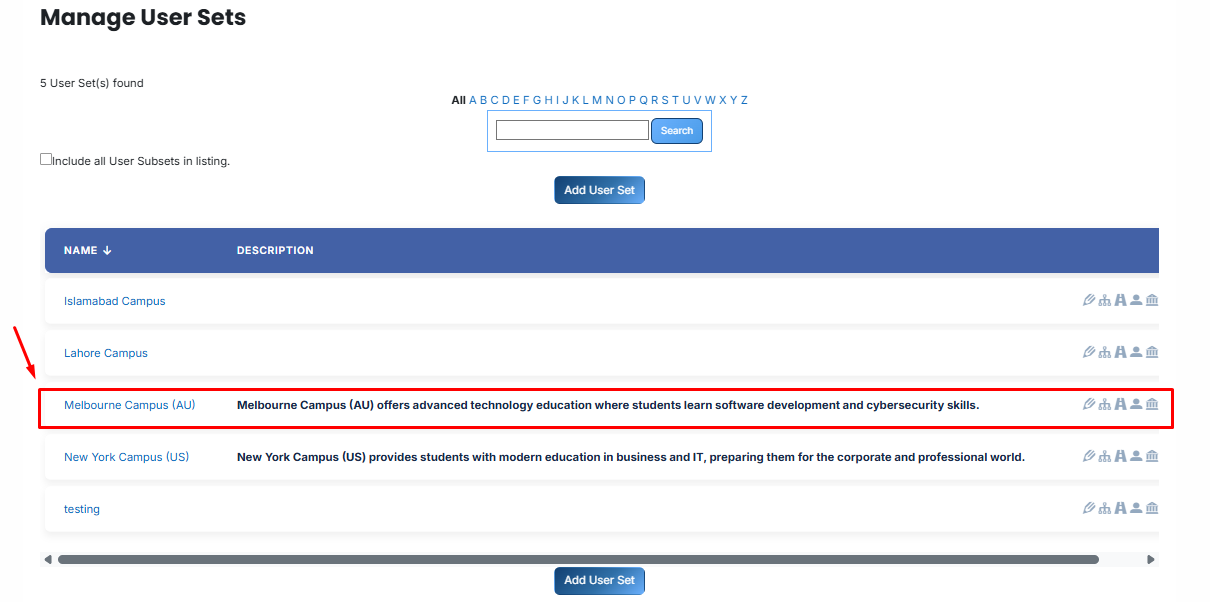
Then, clickClick on the
UserOrganizational GroupHierarchy name you want to
editedit.
Open the selected Organizational Hierarchy and click on the Edit button.
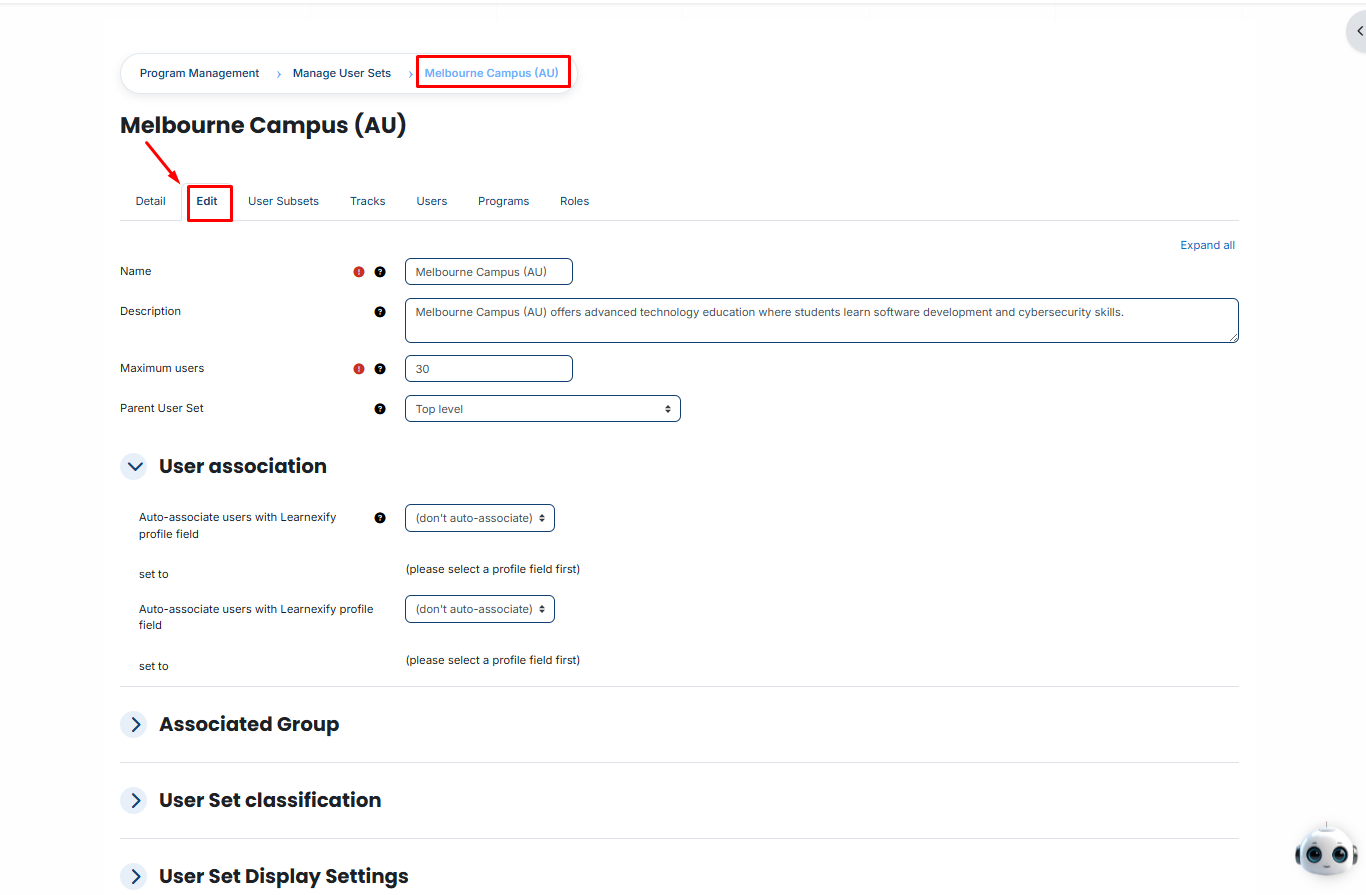
The
UserOrganizational GroupHierarchy details page will open in editable
modemode.
- Update the required
UserOrganizational GroupHierarchy detailsdetails.
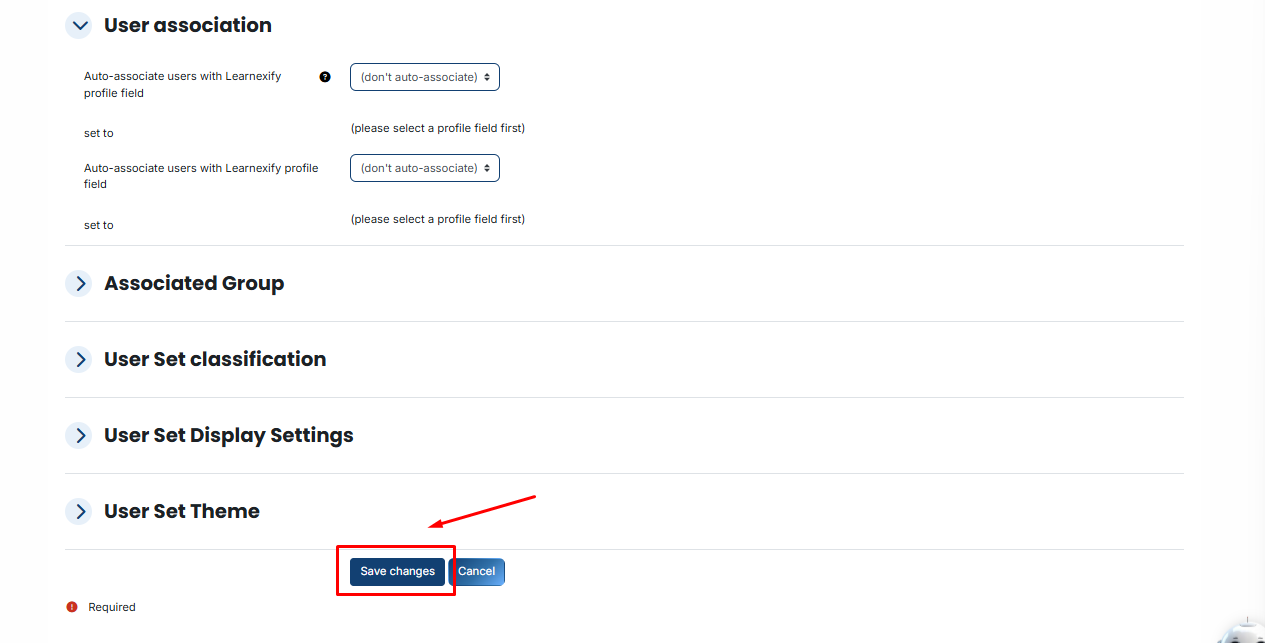
- Scroll down and click on the
Save Changes button to apply updatesthe updates.