
Overview & Setup
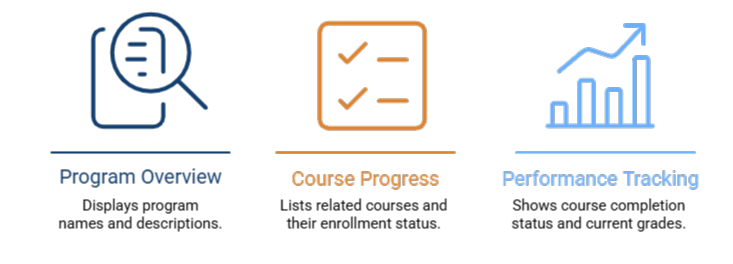
The Learning Plan Widget is a dashboard-level tool used to view and manage learning paths in a single consolidated view. It provides learners and administrators with visibility into:
- Program Overview: Program names and descriptions.
- Course Progress: A list of related courses and their enrollment status (Enrolled vs. Not Enrolled).
- Performance tracking: Course completion status (Complete/Incomplete) and current grades.
To make this widget visible to your users, follow these steps:
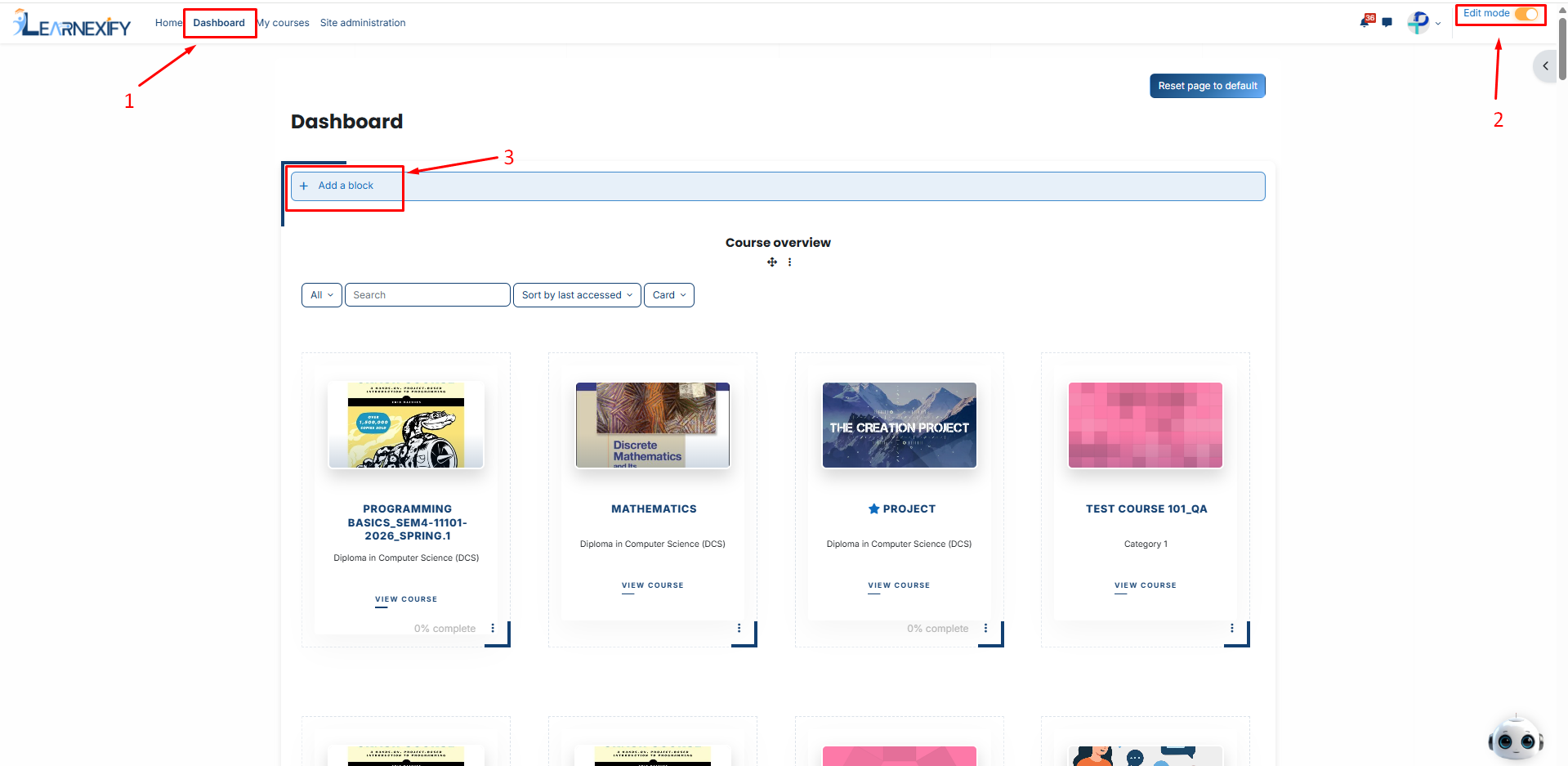
-
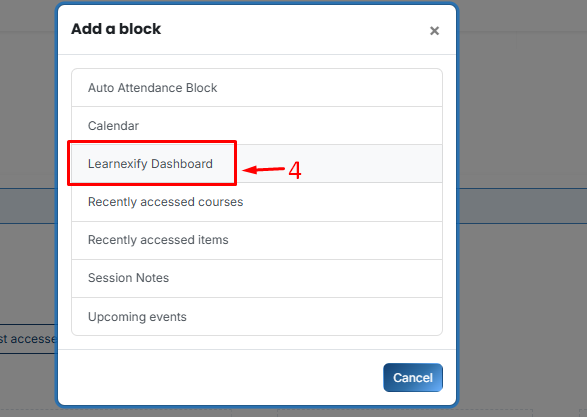
Then, Select Learnexify Dashboard.
-
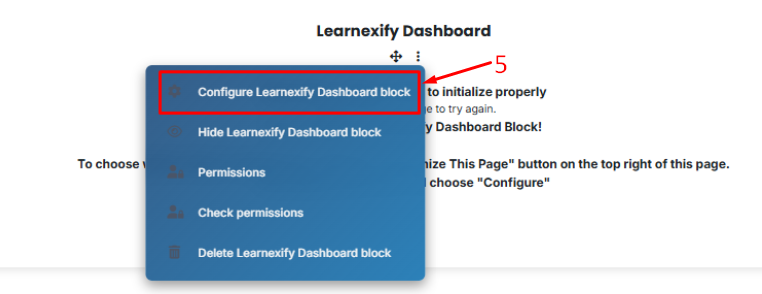
Locate the new block, click the Three-dot menu (⋮), and select Configure Learnexify Dashboard block.
-
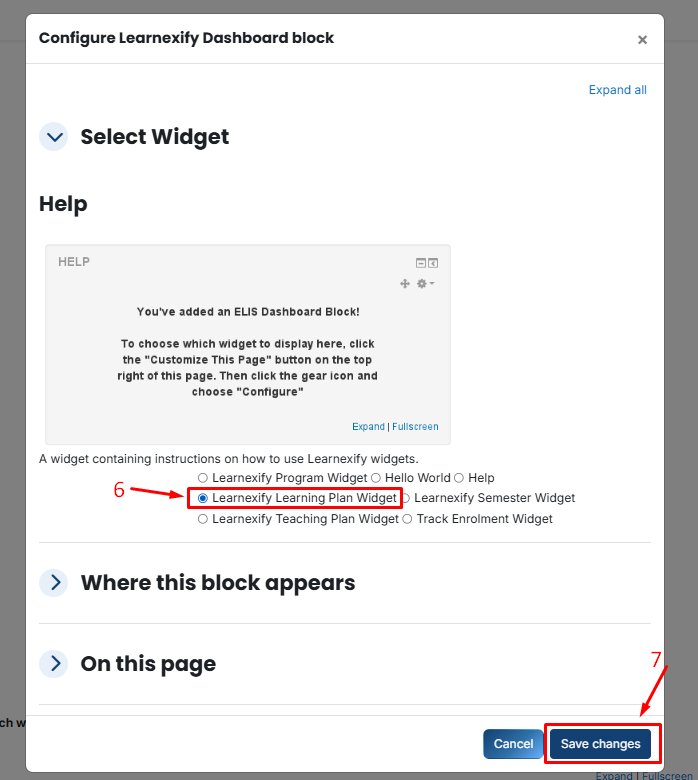
In the Select Widget dropdown, choose Learning Plan Widget.
-
Click Save changes.
No comments to display
No comments to display