
Overview & Setup
The Teaching Plan Widget is an administrative tool for instructors. It consolidates class data into a single table on the dashboard, allowing instructors to monitor:
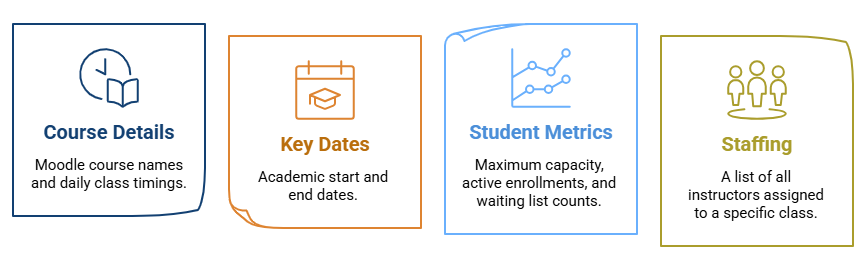
- Course Details: Moodle course names and daily class timings.
- Key Dates: Academic start and end dates.
- Student Metrics: Maximum capacity, active enrollments, and waiting list counts.
- Staffing: A list of all instructors assigned to a specific class.
To make this widget visible for instructors, follow these steps:
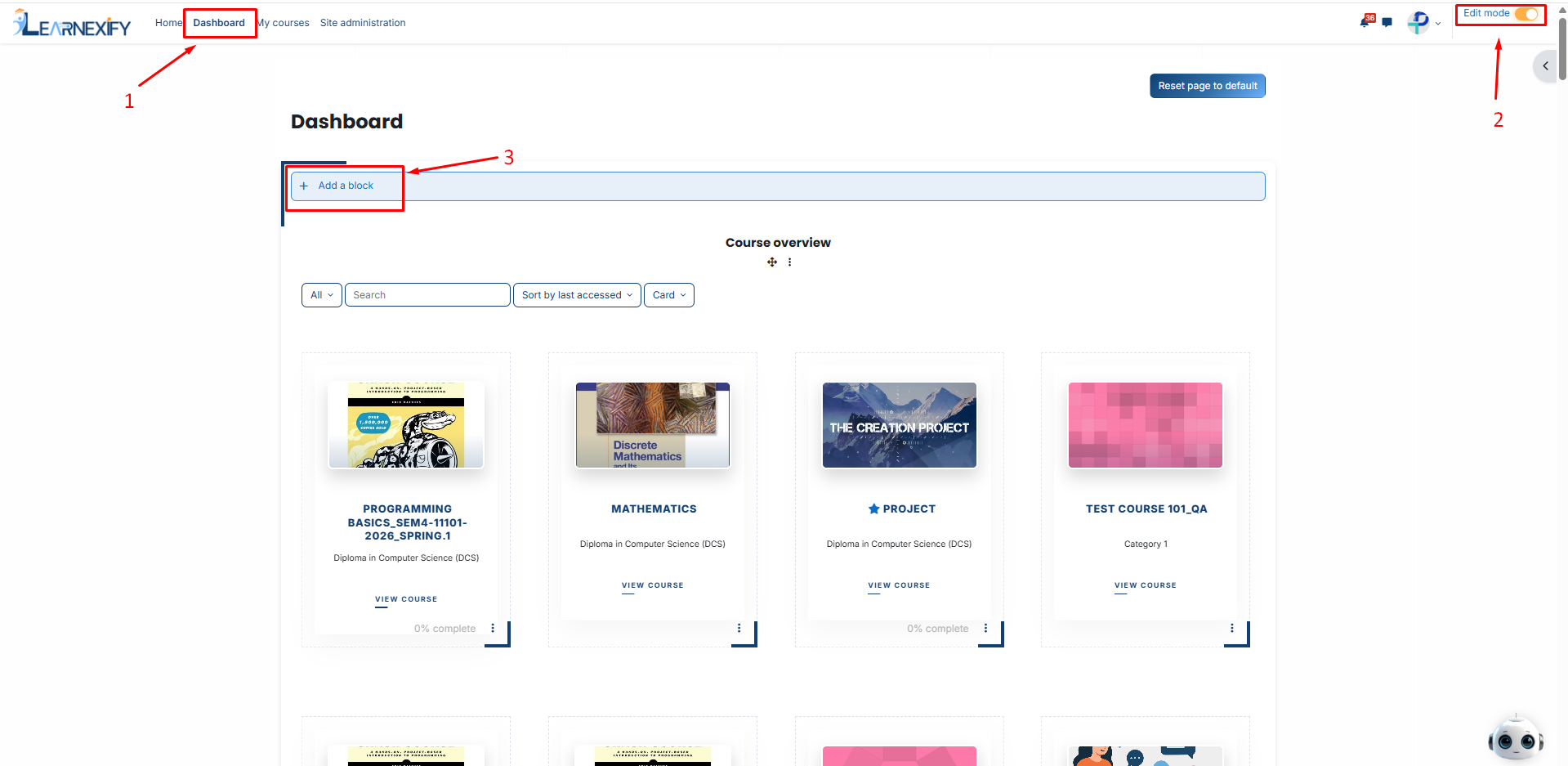
-
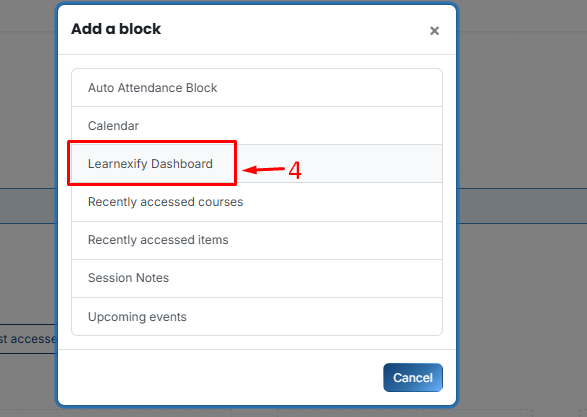
Then, Select Learnexify Dashboard.
-
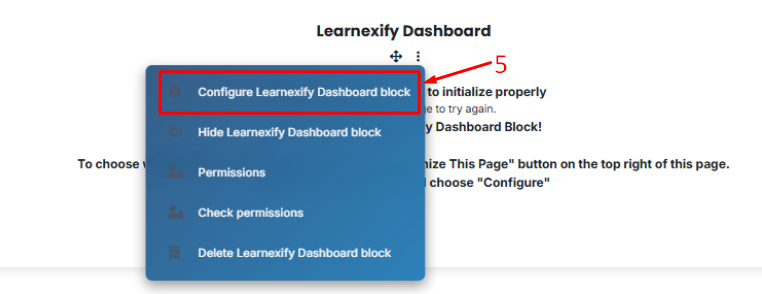
On the new block, click the Three-dot menu (⋮) and select Configure Learnexify Dashboard block.
-
In the Select Widget dropdown, choose Teaching Plan Widget.
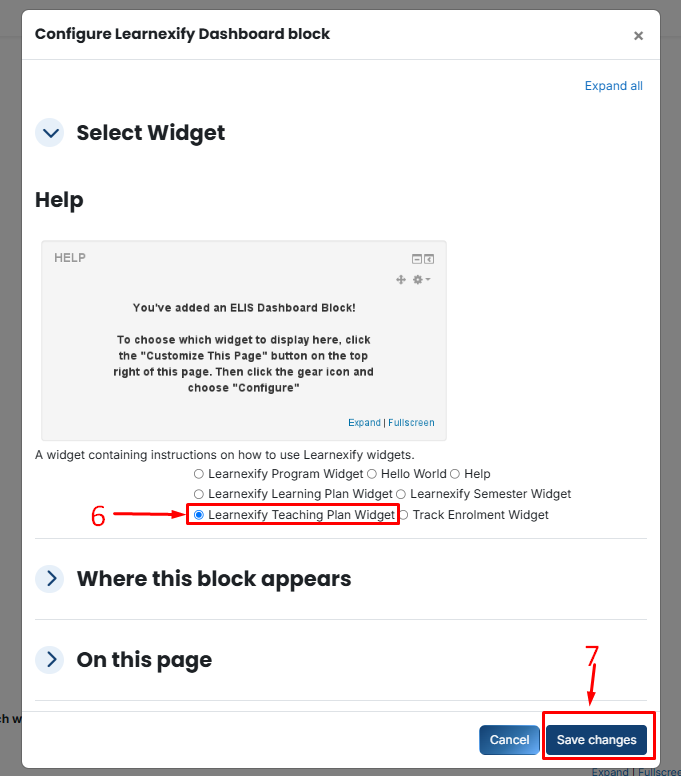
- Click Save changes.
No comments to display
No comments to display